
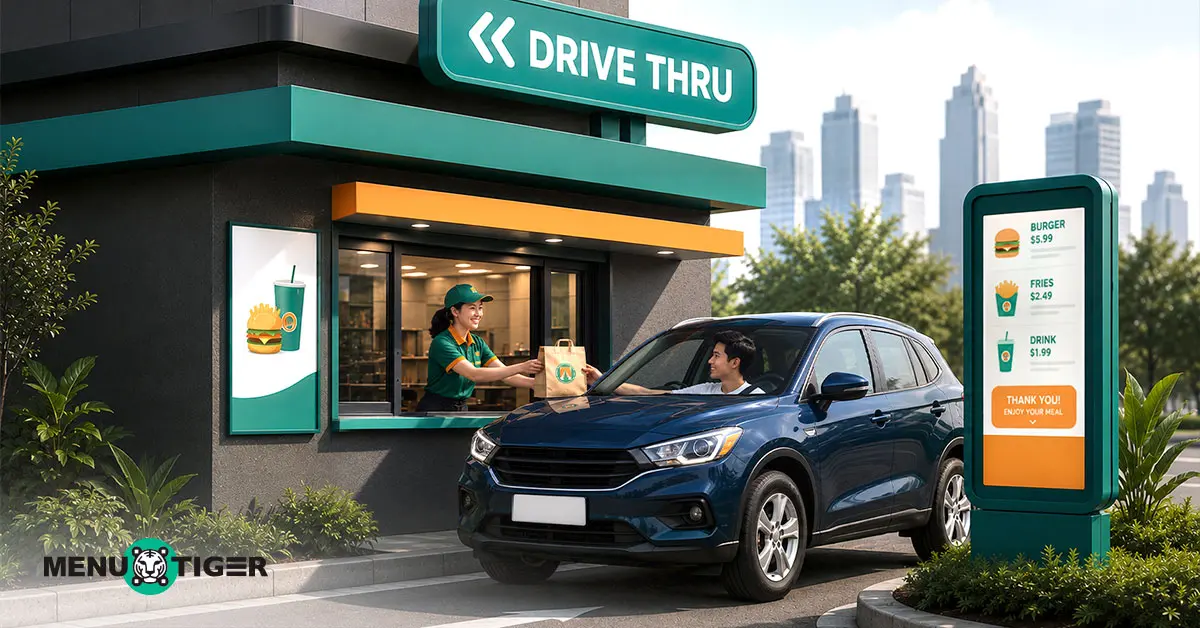
Drive-Thru Restaurants: Service Tips You Should Know
Last Updated: July 22, 2026
Drive-thru restaurants became mainstream because of their convenience—ordering without having to leave the car.
The “Off-Premise Restaurant Trends 2025” report shows that 51% of Gen Z and millennials say that picking up takeout or ordering drive-thru meals is important to their lifestyles.
Digital menus, tap-to-pay terminals, and AI tools are some of the technology trends you can think of integrating for streamlined drive-thru operations.
These current technology trends will help your business become more visible and, at the same time, enhance customer convenience.
Read further to learn more about different technological advancements you can integrate into your drive-thru service.
How did drive-thru restaurants start?
The story of the first drive-thru restaurants started as a drive-in back in 1921. The Pig Stand fast food chain, located in Dallas, runs with its strapline, “America’s Motor Lunch.”
This started when George Kirby noticed an increasing number of cars, so he came up with the idea of carhop service, with customers dining behind the wheel—making history as America’s first drive-in.
- 1947—Springfield, Missouri
Red’s Giant Hamburg opened and became the first restaurant to formally announce drive-thru services. They had a drive-up window rather than a drive-in with carhops, and they sold burgers to passing motorists before it closed in 1984 and reopened as a new location in 2019.
- 1948—California
The drive-thru burger chain In-N-Out Burger was born behind the efforts of Harry and Esther Snyder. The idea is to deliver fast and efficient service with their tagline ‘No Delay,' so they place a two-way speaker that lets customers give their orders (without leaving the car) to the staff.
- 1961—Wienerschnitzel
A fast-food hot dog joint with a drive-thru was founded by John Galardi. The drive-thru feature of the building was built with the Southern California motorist.
- 1975—Europe
McDonald’s finally integrated drive-thru services. And with the rising popularity of drive-thrus, McDonald's finally opened their first location in Dublin, Ireland, with their drive-thru called ‘McDrive.'
Today, drive-thru services are globally embraced, but with the touch of restaurant technology trends and innovations. Taco Bell and Chick-fil-A, for example, have pioneered the four-lane drive-thru prototype to aid faster processes.
The creation of the drive-thru, which started as the humble drive-in, has greatly contributed to customers' convenience, making it a norm in today’s dining setting.

Tips for an efficient drive-thru at a restaurant service
According to a survey on QSR ordering preferences from Xenial, 61 percent of customers would leave if there were five or more cars ahead of them in a drive-thru line.
For example, quick-service restaurants and drive-thru food and coffee businesses might find it tricky to keep up with incoming orders during busy hours.
A customer’s patience maxes out at 5 to 6 minutes, which means it affects retention, with customers abandoning their purchases with longer wait times.
If you are planning to open a drive-thru food business or looking for ways to optimize your current operations, take note of the following:
Integrate online ordering
For an efficient restaurant menu ordering management system, implement online ordering on your restaurant website and let customers indicate the time for pickup.
According to QSR magazine, 21 percent of consumers prefer ordering and paying ahead with their mobile device.
The online ordering platform for restaurants saves customers from the hassle of waiting in long queues while you prepare the food ahead of time, which speeds up the entire transaction.
Offer cashless payment
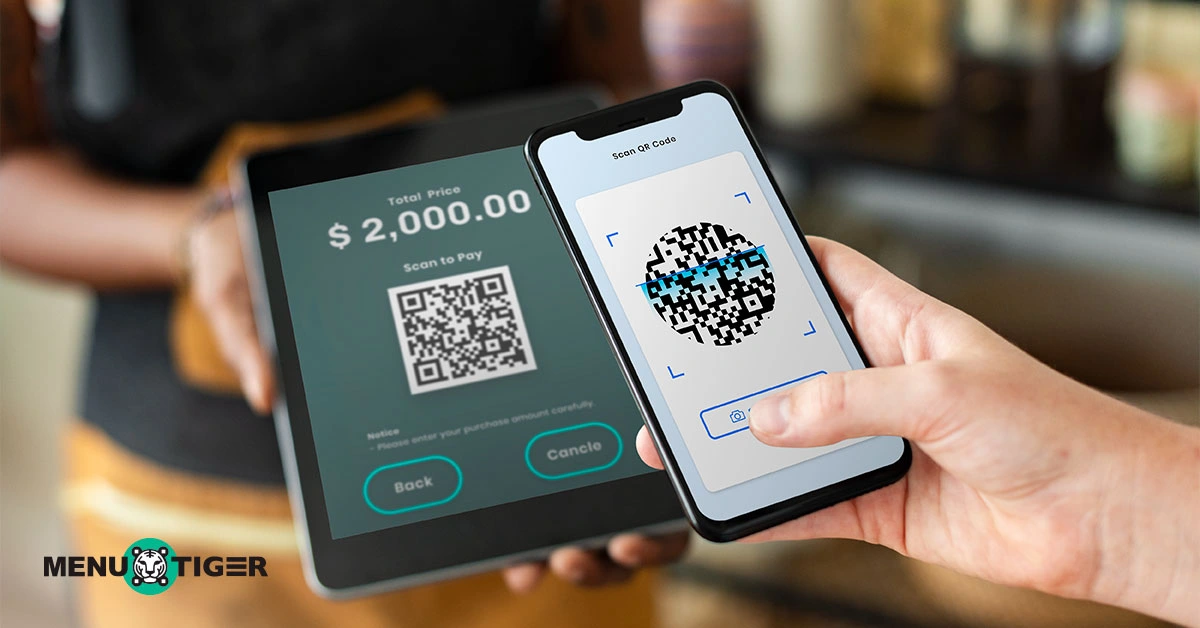
Cashless payment methods expedite the drive-thru-only restaurant processes and ensure payment accuracy.
This restaurant technology provides various payment channels through QR codes, credit card machines, or terminals. You may even set up a designated area for mobile payment transactions.
In fact, QR code payments are the most widely used digital wallet transaction type in 2026, reaching 380 billion transactions worldwide, according to CoinLaw.
Going cashless keeps you on the current trends while accommodating customer preferences.
Allow order customization
Let the customer customize their order through accessible digital menu technology.
It is speedy compared to in-person ordering because they might still have to discuss, especially if it is a shared dish or if there are so many options.
Wherever the customers are, they can pick and personalize their order at their own pace.
They can explore different add-ons, sides, upgrades, and other modifier options while they customize their order at their own pace—without feeling rushed.
Invest in a quality drive-thru window.
Drive-thru-only restaurants must have strong frames and reliable locking systems for security. Bullet-resistant glass, for example, resists penetration by bullets and forced entry from intruders.
If your area is prone to extreme temperatures, heavy rainfall, and unpredictable weather conditions, you might consider weather-resistant quality glass.
While the choice of glass is important, do not forget that the size of the window matters. Make sure the window’s opening is wide enough to pass large items that are prone to leakage and spills.
Utilize face-to-face ordering
According to QSR Magazine, 23% of consumers prefer to order in the drive-thru at a traditional speaker and pay the cashier at the window.
To ensure operational efficiency and provide a positive customer experience, provide staff training or seminars.
Here are some of the things that drive-thru staff should be trained on:
- Greet and welcome customers warmly
- Listen and verify customers' orders
- Confidence in answering customers’ queries
- Check all items are inside the bag to ensure order accuracy
- Proper handoff of items to prevent dropped items
- Resolve customer concerns professionally
Know the layout principle.
Speed of service is a priority, especially in drive-thrus, and space layout design greatly affects the workflow.
Establish the ‘arm’s reach principle,' where essential items such as napkins, salt and pepper packets, sauces, and disposable cutlery are within arm's reach to avoid frustration looking for needed items, especially during peak hours.
To ensure staff mobility, angle the window at a maximum of 90 degrees. This makes it easier for them to pivot as they hand out orders.
Digital menu and equipment for drive-thrus
The future of drive-thru restaurants is defined by technological trends and advancements. One example is McDonald’s adoption of AI tools to take customers' orders.
But before implementing automation, be thorough and see if it is what your staff and drive-thru operations really need, and examine its capabilities to ensure optimal functionality and efficiency.
To create a positive drive-thru experience, consider the following equipment:
Digital menus
One restaurant technology you can use for efficient drive-through services is QR code technology powered by MENU TIGER. You can build a no-code website and offer online ordering for drive-through pickup.
It also has marketing features, purchase analytics, customer feedback, and menu analytics to identify popular and least popular dishes.
It is an all-in-one solution, as it integrates with a POS system, printers, and different contactless payment channels.
Other features of MENU TIGER include:
- Adds with a Loyverse integration
- Has a kitchen display system
- Support multilingual translation
- Customizable dynamic QR codes
- Allows order customization
- Sales analytics
Headset
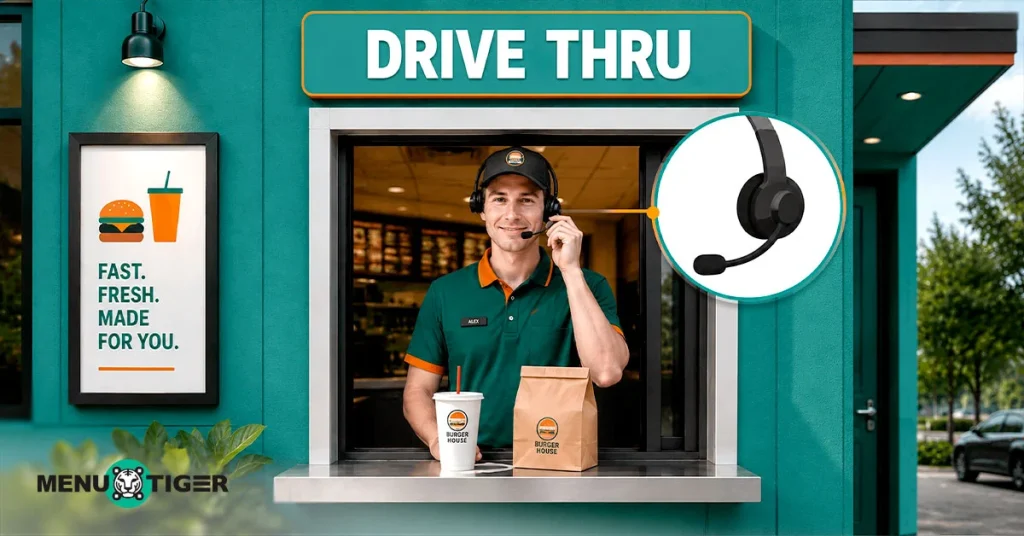
A quality headset is important to ensure clear communication between staff and customers for optimal operations.
In fact, brands with clear and audible speaker interactions lessen total service time by 28 seconds, according to the Quick Service Restaurant Drive-Thru Report.
For a good headset purchase, look for the following qualities:
- High-definition audio and noise reduction to avoid miscommunication that results in an order error
- A wireless headset is ideal so that staff can move freely, plus no more cords getting tangled.
- Look for a headset with an easy-to-swap battery feature that comes with a charging base for uninterrupted use.
- See to it that the headset is made with durable materials like reinforced plastic so that it will not easily be broken even if it is dropped.
Tap-to-pay terminals
Some customers do not always carry cash around.
Offer them different payment options through a contactless-enabled credit or debit card or mobile wallet (Google Pay and Apple Pay).
Digital payments minimize cash-related errors and help staff serve more vehicles during busy hours.
Tap-to-pay terminals have advanced encryption and security measures (tokenization), which means no card number is stored or shared to protect customers’ payment information.
Kitchen display system
Fast-track customer orders through the kitchen display system linked to the drive-thru demand.
Once an order is placed, it will automatically appear on the kitchen monitor, alerting kitchen staff that a new order needs to be prepared.
You can use digital menu technology that features a kitchen display system like MENU TIGER to deliver efficient kitchen operations.
Optimize drive-thru services with QR-coded technology.
Drive-thru restaurants have become part of people’s everyday lives. And as an operator, prioritizing speedy service is crucial.
By knowing the necessary practices and investing in automation using a digital menu, you will streamline drive-thru services—from fostering accurate transactions to optimizing kitchen workflow.
More importantly, it drives faster ordering and payment processes, which are the core of a drive-thru service.
FAQs

Chevy
Before joining MENU TIGER's Content Team, Chevy has been dabbling in literary arts for five years, specifically creative writing in a theatre company. She loves exploring her creativity through painting, photography, and contemporary dancing.
Affiliates





© 2026 Menu Tiger. All rights reserved


