- Built-in table reservations
- Interactive floor plans
- Live table status
- QR Menu integrated
- One Restaurant Management System
- Real-time synchronization
AS MENTIONED IN

Reduce wait times and boost table turnover with one smart platform. Manage reservations and let guests order instantly with QR code menus.
 Real-time table status trackingQR code menu for every tableInteractive drag-and-drop floor plansOne dashboard for every dining areaBuilt-in reservation management
0M+
USERS
0K+
RESTAURANTS
0M+
ORDERS
One system for seating, reservations, and ordering — no more switching between disconnected tools.
Configure multiple dining areas with ease, no matter how complex your restaurant's layout is.
Create unlimited floorsRename and organize dining sectionsSeparate indoor and outdoor seatingBuilt for multi-level restaurants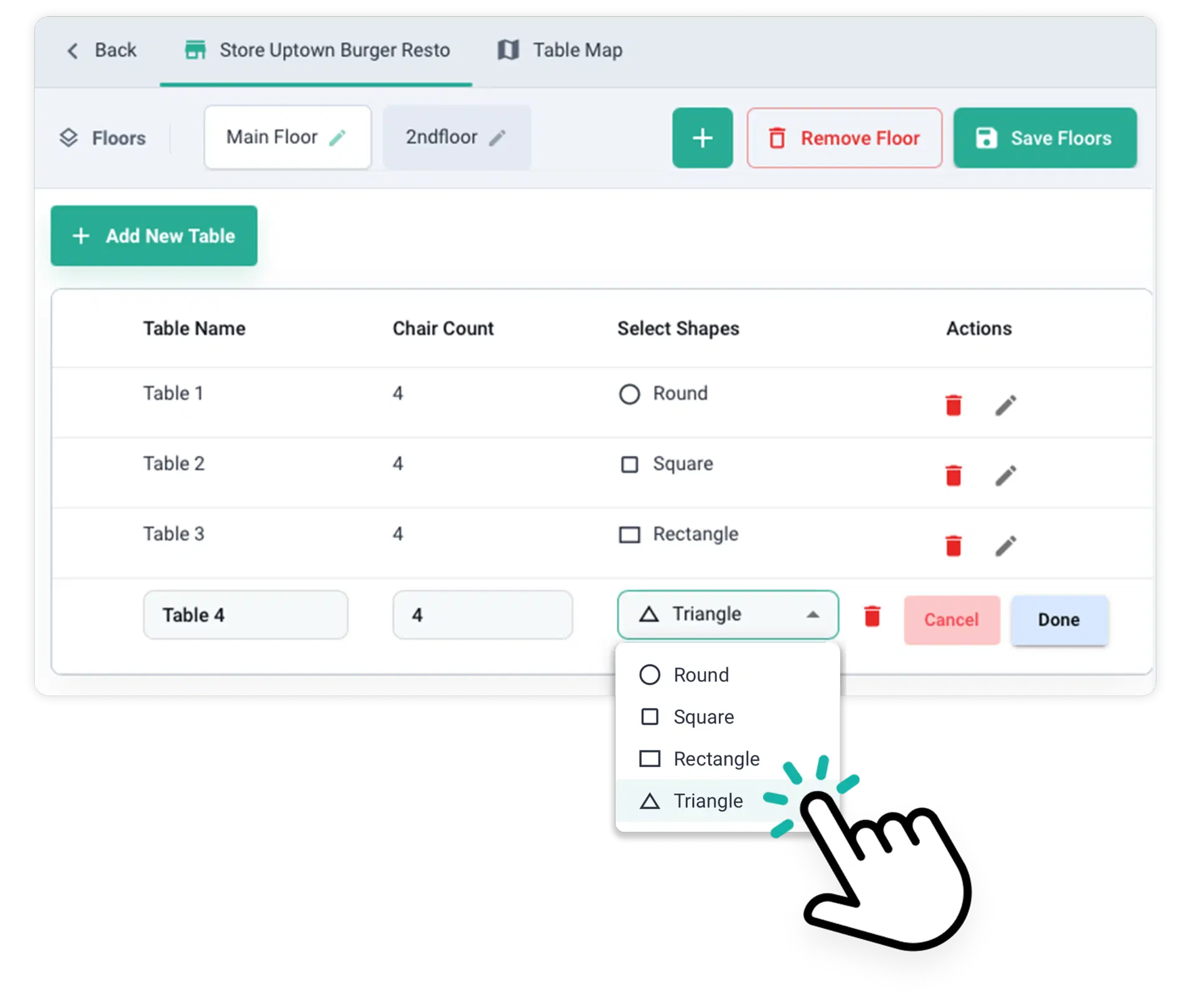
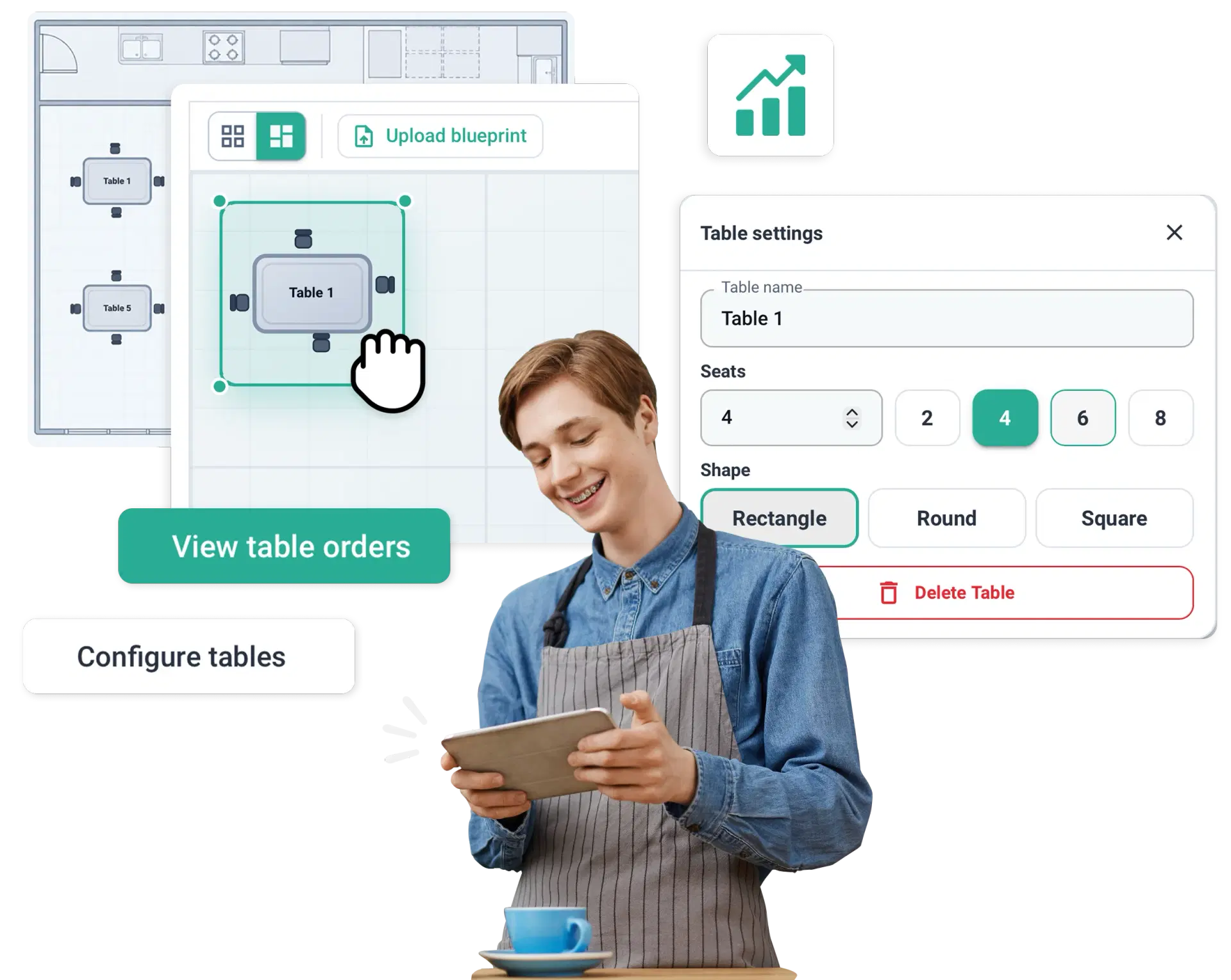
Build your layout exactly as it exists on the floor, so every table on screen is exactly where it is in the room.
Drag-and-drop table placementGrid layout or Canvas modeUpload your existing blueprintMatches your actual physical layout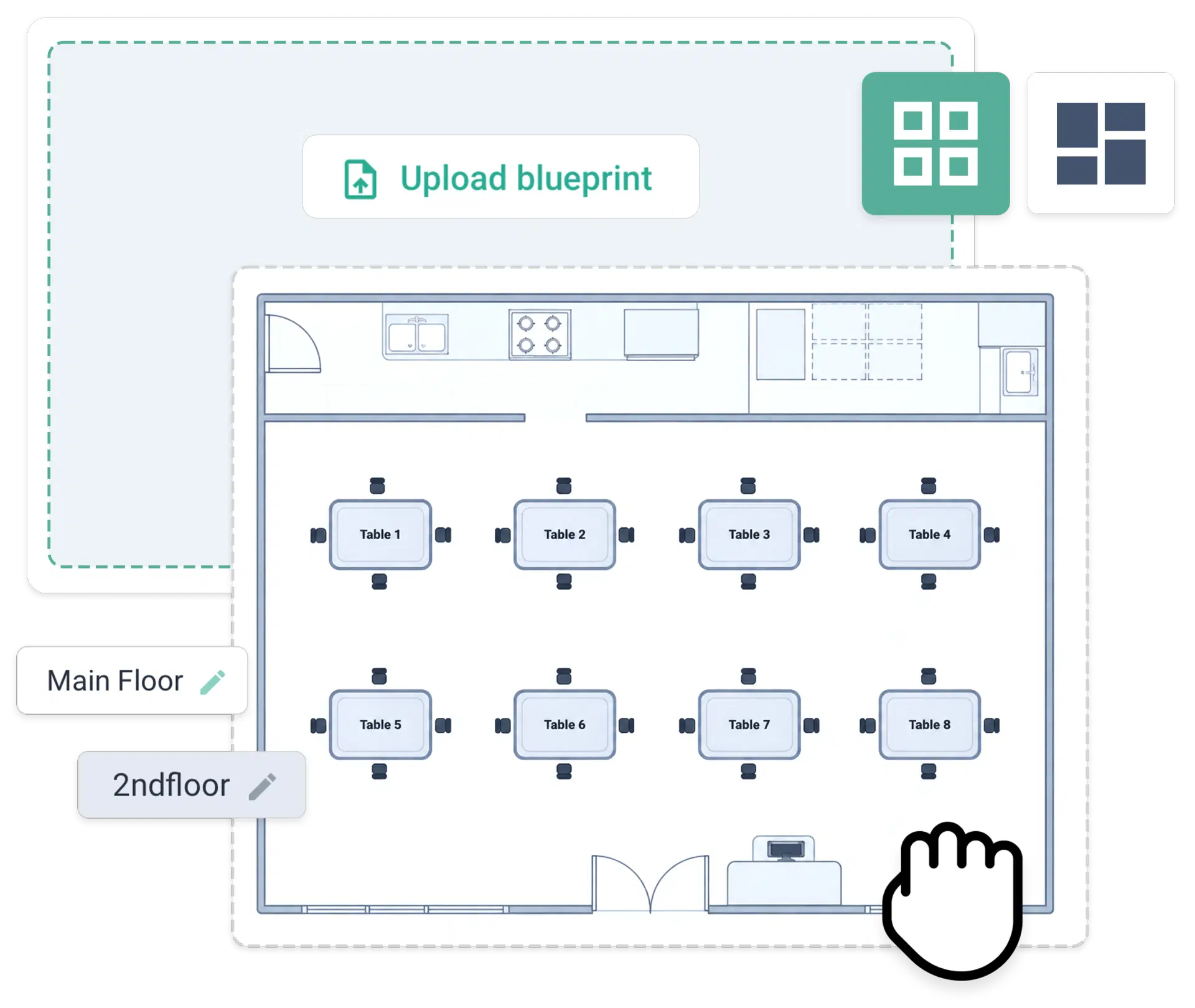
Know what's happening across your restaurant instantly, so staff can seat the next guest with confidence.
AvailableReservedOccupiedUpdates in real time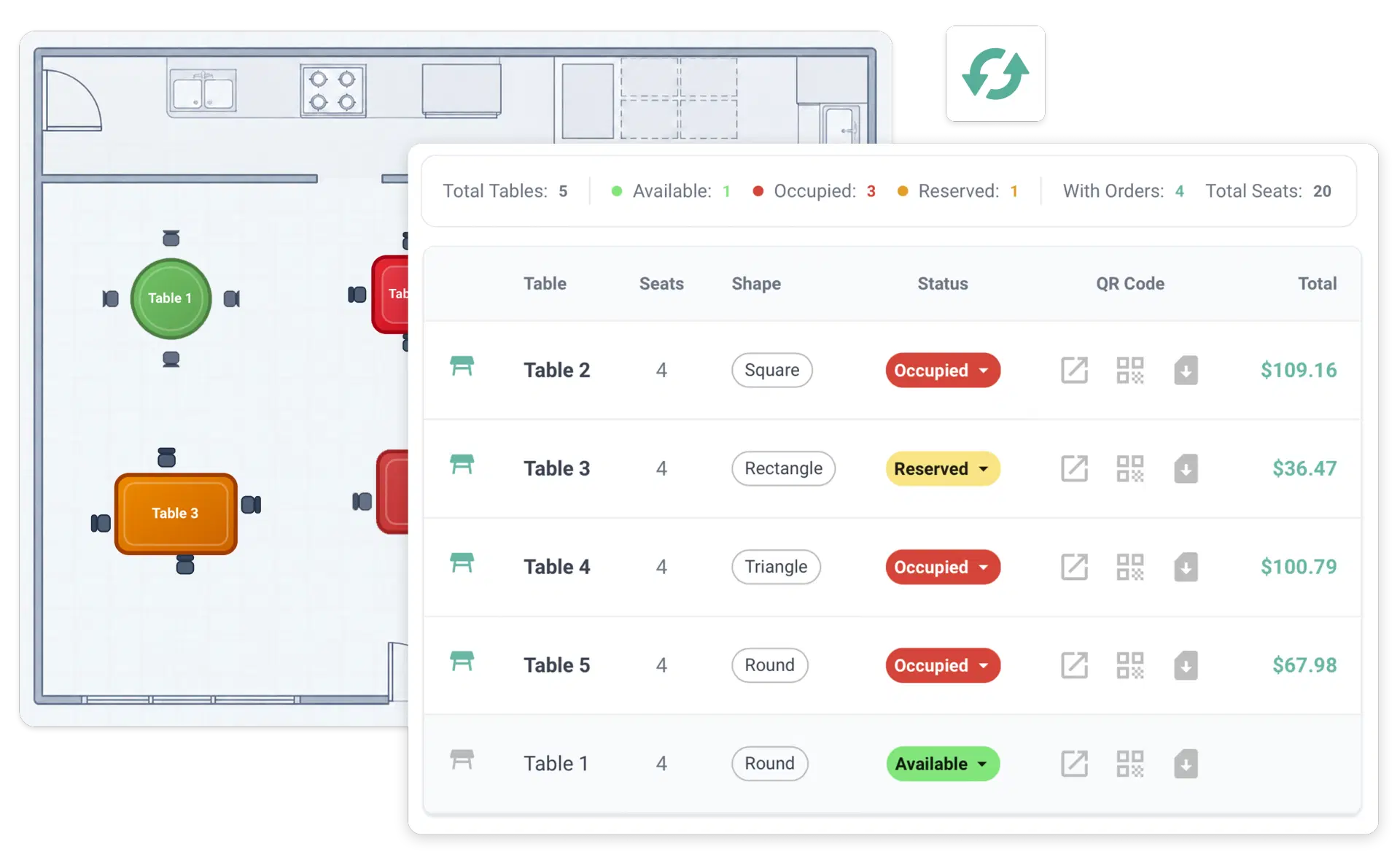
Every table gets its own unique QR code, so guests can browse the menu and order without flagging down a server.
Scan the QR codeView the digital menuOrder directlyPlace repeat orders without waiting for staff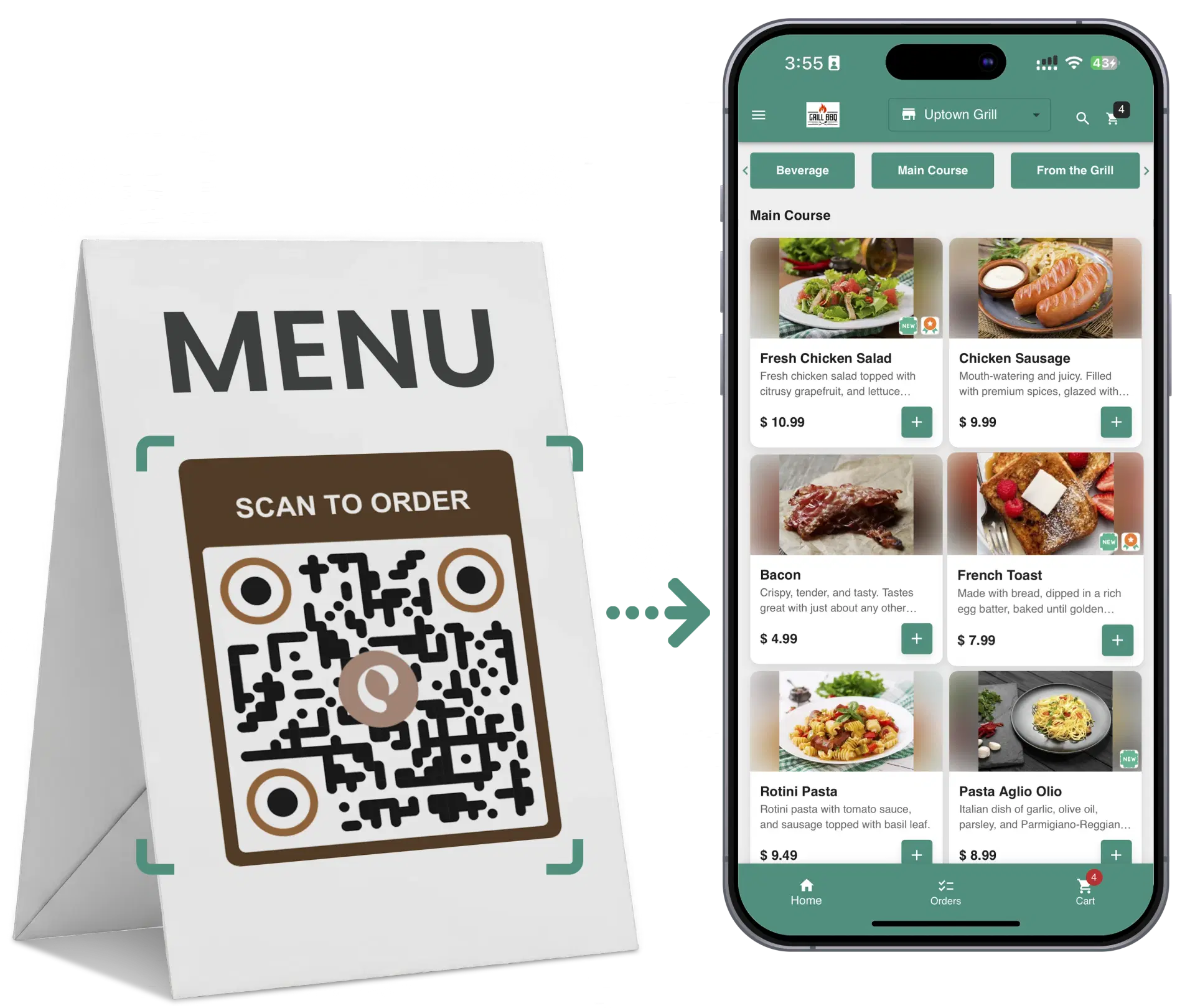
See what's happening at every table without switching systems — orders and seating stay connected.
Active ordersOrder totalsCustomer statusTable assignmentsCurrent invoices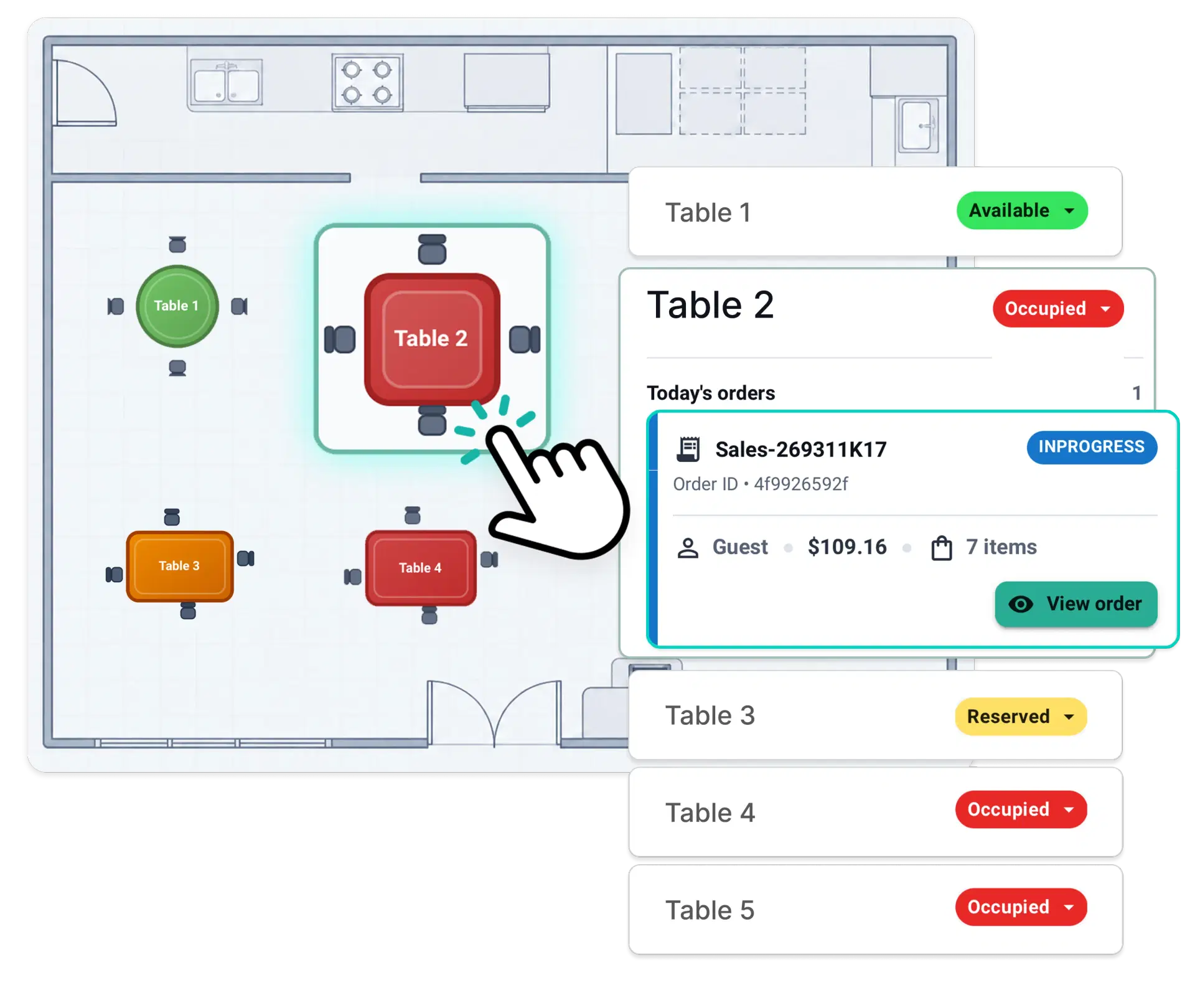
Handle walk-ins and bookings without paying for or logging into separate reservation software.
Walk-in seatingBookingsReservation trackingLive table availabilityFaster guest allocation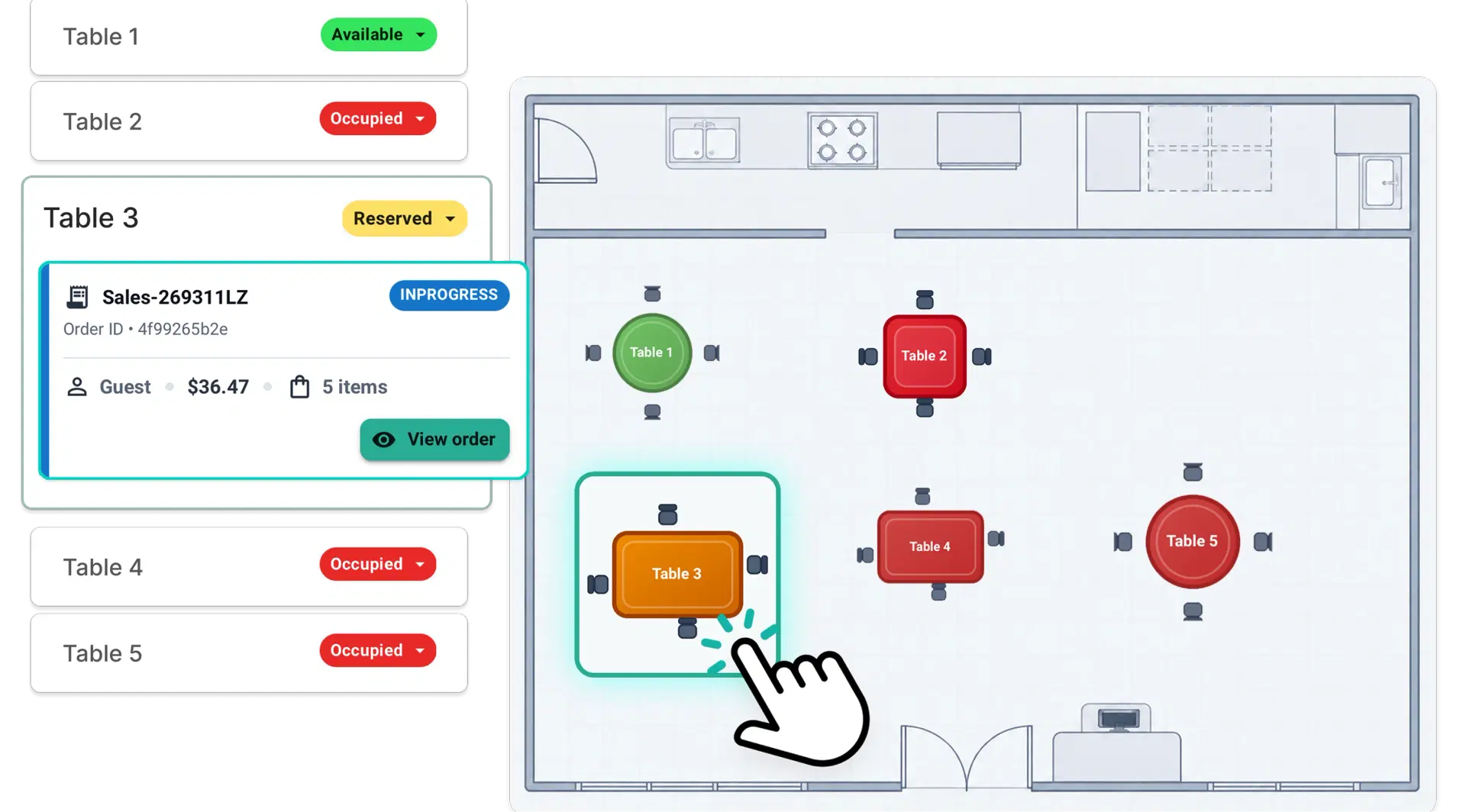
Manage tables and floors across multiple restaurant locations from one centralized platform.
Multiple locationsStore switchingStore synchronization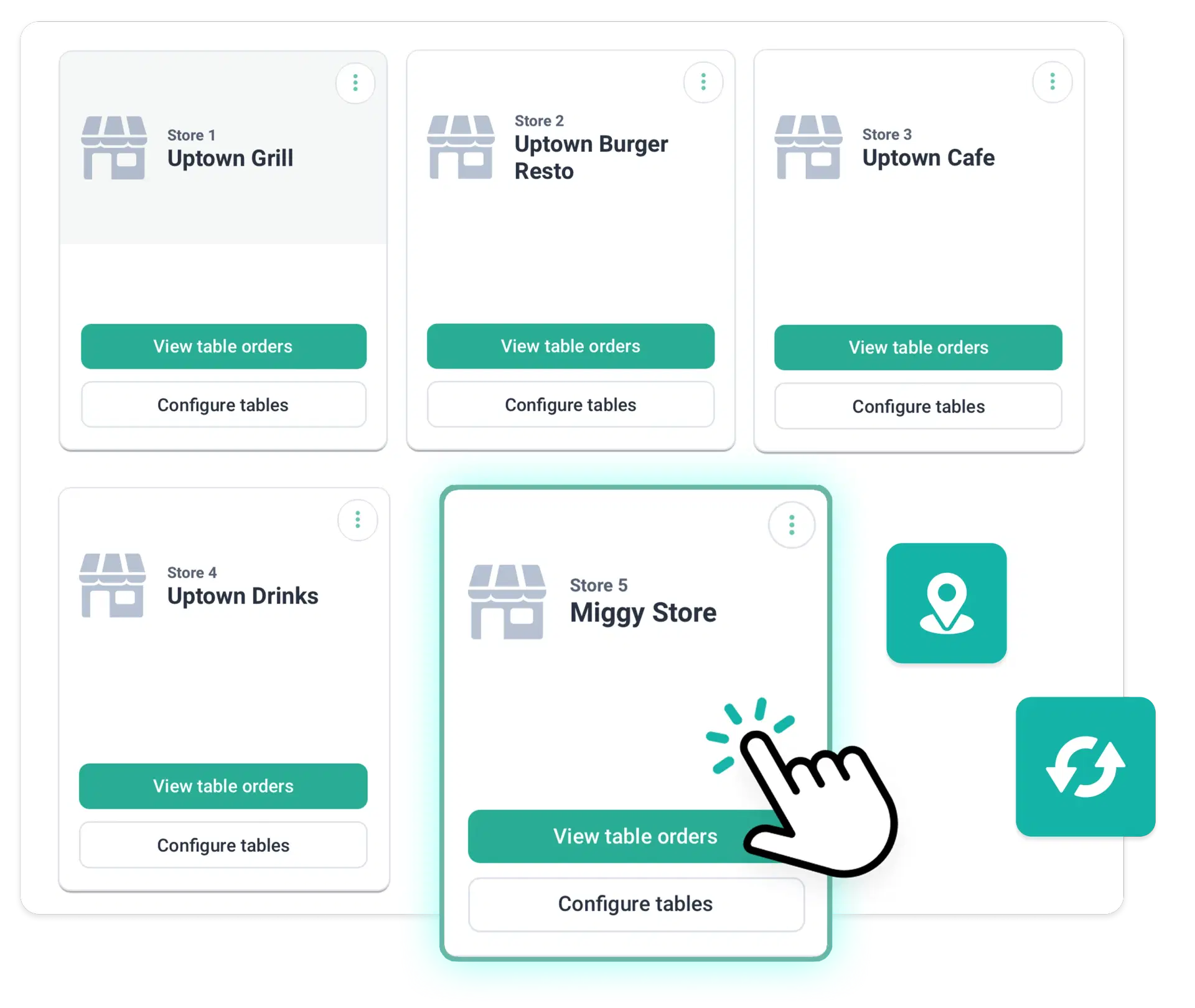
Configure your table system to match your restaurant's operations and brand.
Table namesSeating capacityTable shapeFloor names & positions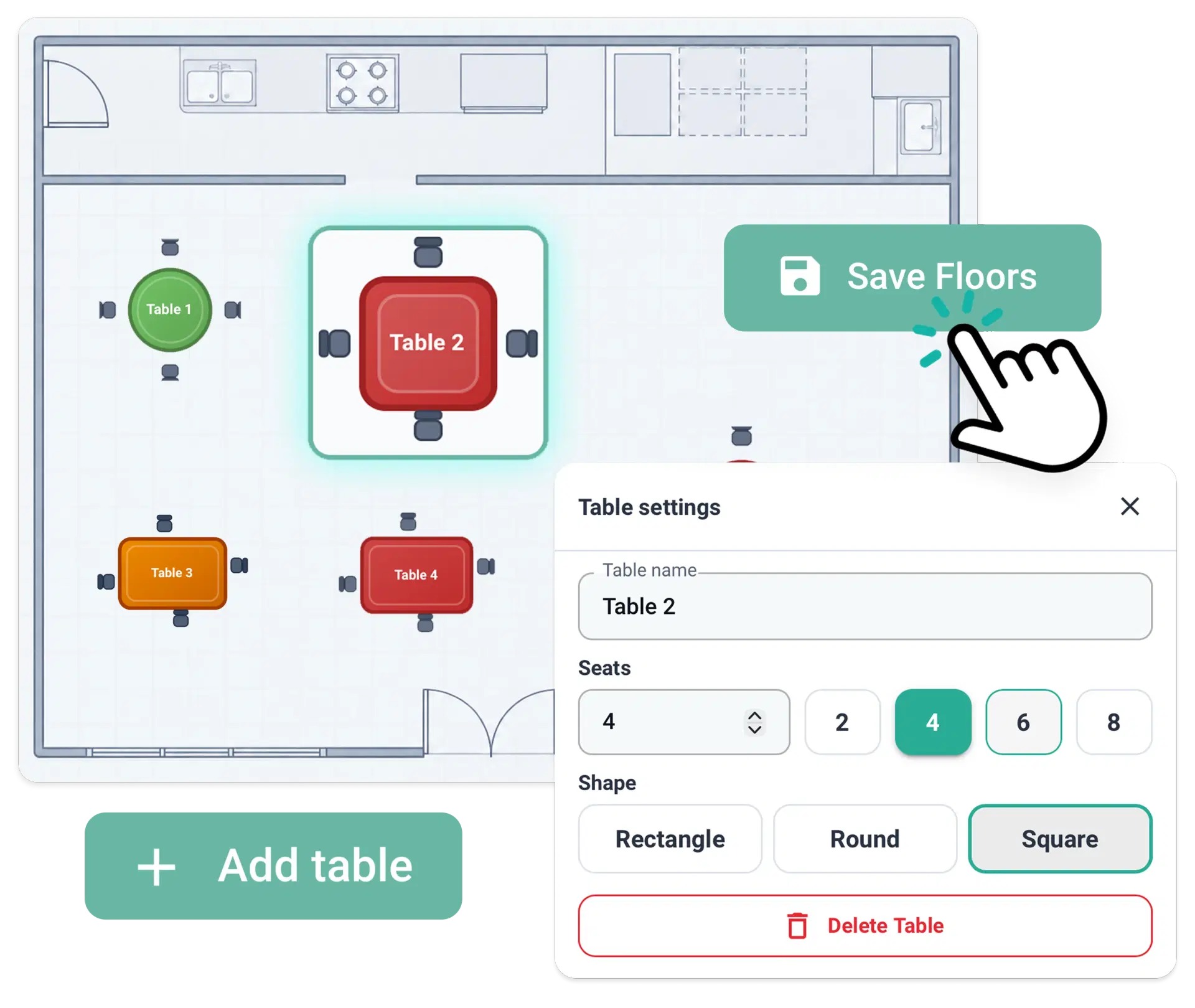
From blank dashboard to a live floor plan in six simple steps.
Step 1
Add your restaurant details and locations.
Step 2
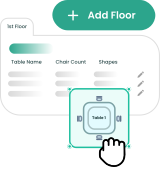
Create multiple dining areas.
Step 3
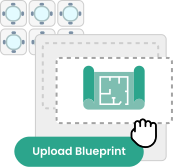
Choose Grid View, Canvas View, or upload a blueprint.
Step 4
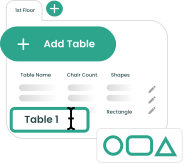
Customize the table name, seating capacity, shape, and position.
Step 5
Publish your layout instantly.
Step 6
Track reservations, guests, orders, and QR ordering in real time.
Menu Tiger's table management system adapts to the way you operate.

Fine Dining
Multi-course precision service

Casual Dining
High-volume menu comfort

Cafés
Fast counter and table service

Franchise Restaurants
Unified brand consistency

QSR
Speed and prep-line optimization

Hotels
In-room and lobby dining systems

Food Courts
Shared-space vendor routing

Cloud Kitchens with Dining
Dual digital and physical queues
Multi-location branches
Centralized multi-unit control
Resorts with multiple restaurant chains
Campus-wide charge-to-room service
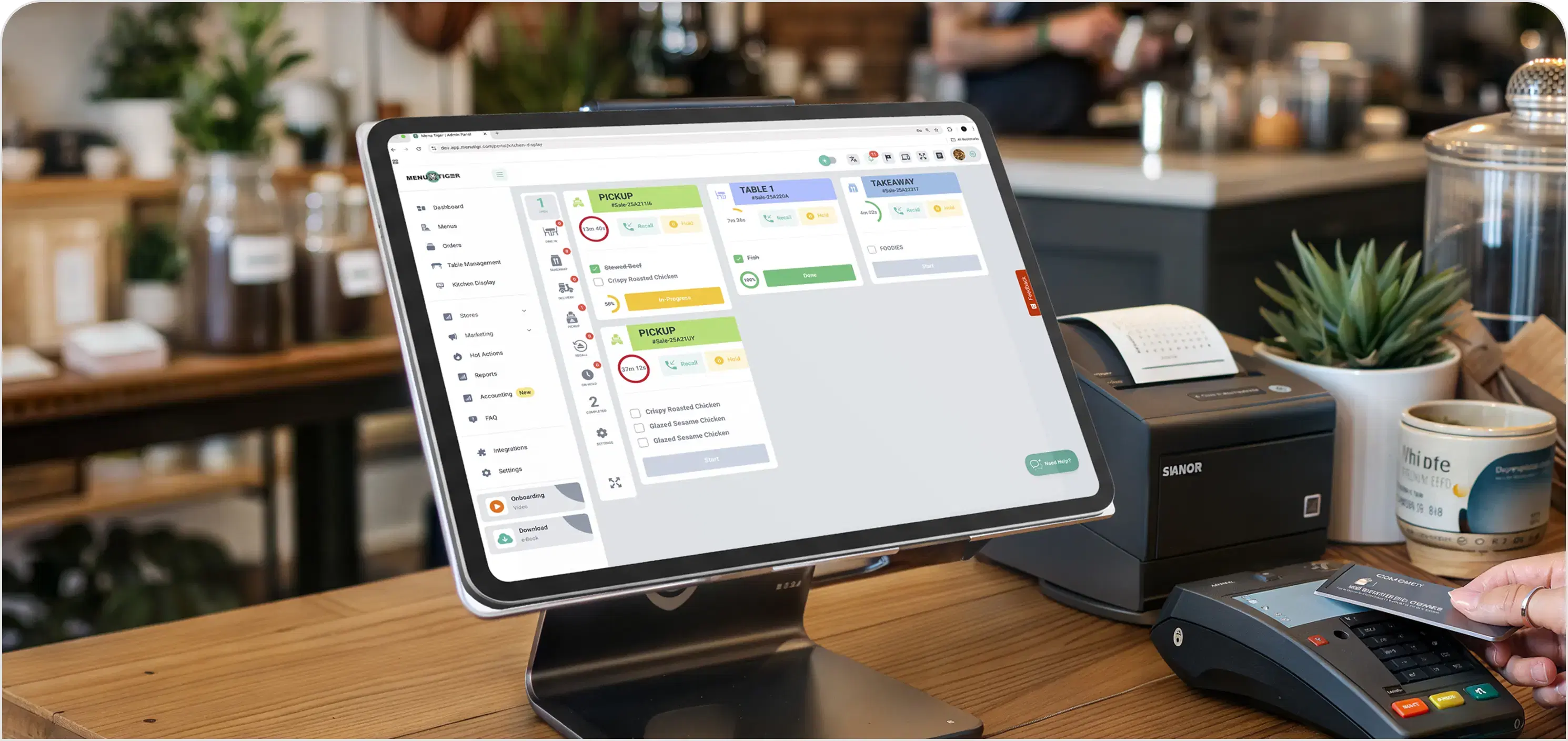
Fully integrated with Menu Tiger's ordering, KDS, and analytics.

Know exactly when tables free up and seat new guests faster.
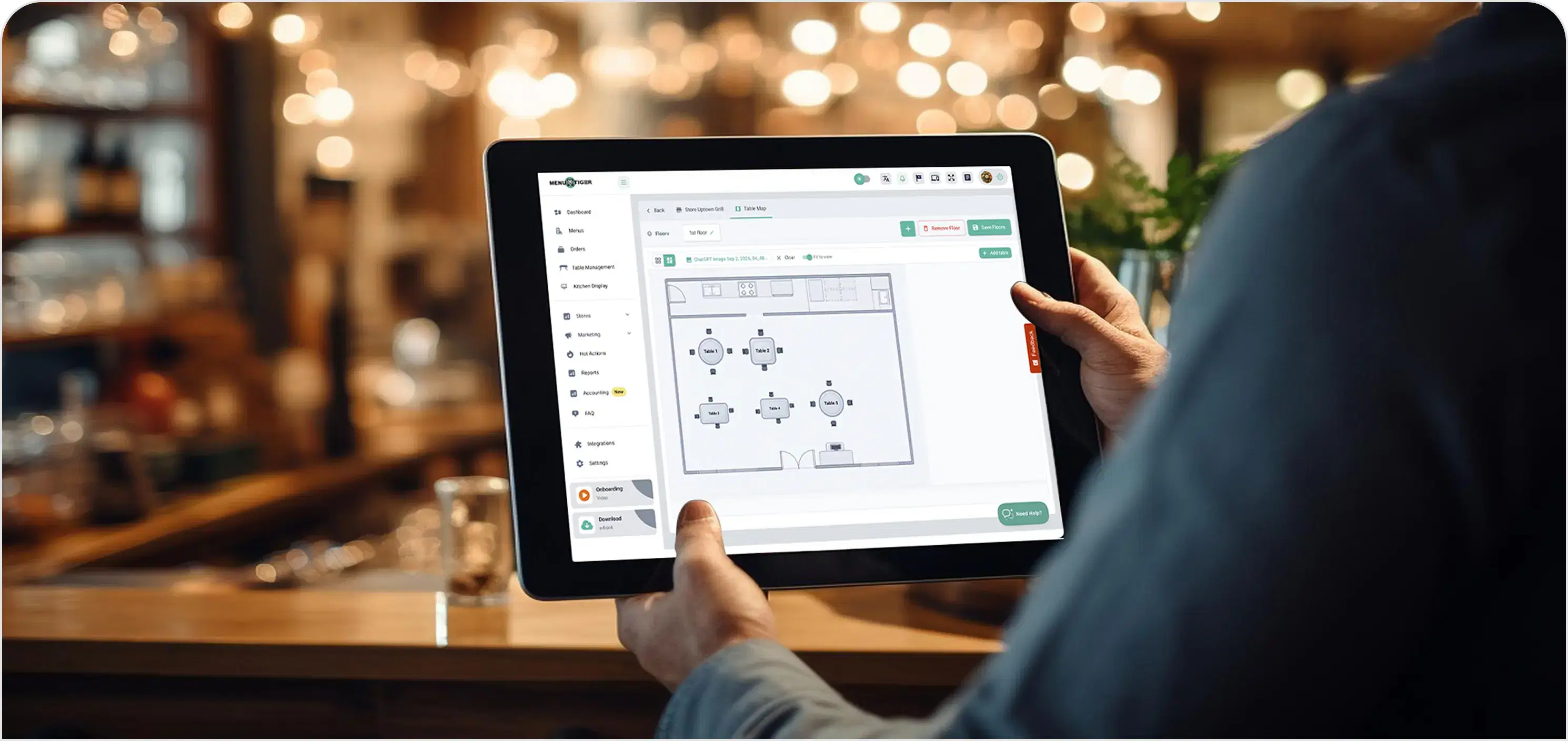
Use visual floor plans to optimize every square foot.

Servers spend less time checking tables, more time serving.

Reduce wait times, minimize communication gap and eliminate seating confusion.
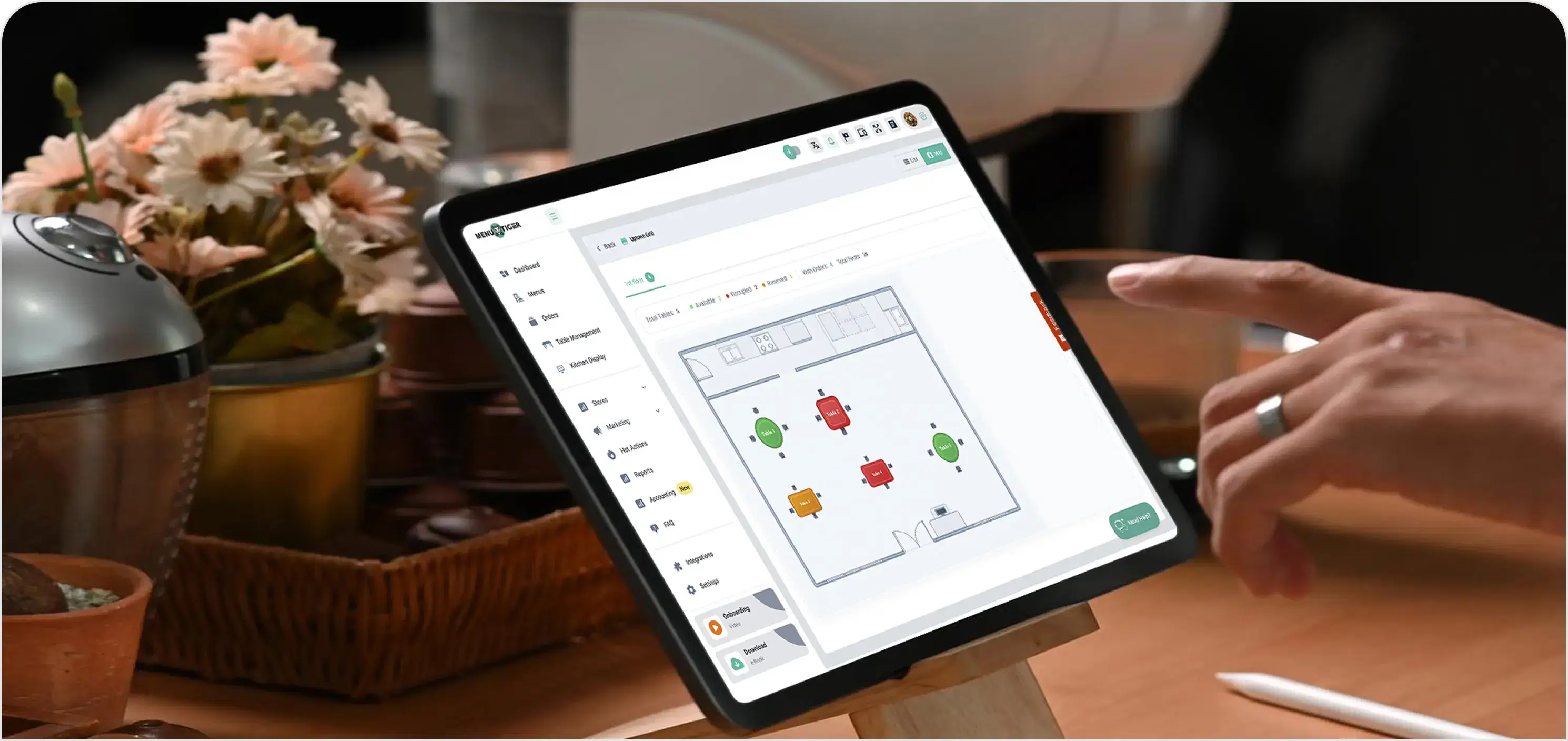
See table and order status the instant it changes.
Fully integrated with Menu Tiger's ordering, KDS, and analytics.
Know exactly when tables free up and seat new guests faster.
Traditional Software
You already have the tables. Menu Tiger just makes sure none of them sit empty by mistake.
Manage every reservation, guest, table, and order from one intelligent platform.
No credit card required. Set up your floor plan in minutes.

A digital tool that helps restaurants organize seating, reservations, walk-ins, and table availability from a centralized dashboard, while improving operational efficiency.
Yes. You can upload your restaurant blueprint or build your layout using Grid or Canvas mode.
Yes. From the Table Management main page, you can add or select the store card for the restaurant you want to manage, allowing you to handle tables, floors, and operations across multiple stores from a single account.
Absolutely. You can configure multiple floors, dining areas, and seating layouts from a single dashboard.
Yes. Menu Tiger includes a built-in table reservation feature, so restaurants can manage reservations and walk-ins without purchasing separate reservation software.
Menu Tiger supports multipage PDF files and image formats such as PNG and JPG, so tables can be mapped accurately to your restaurant's physical layout.
Yes. Every table gets its own QR code, so guests can browse the digital menu and order directly without waiting for staff.
Yes. Table Management is fully integrated with the complete Restaurant Management System, including ordering, digital menus, the Kitchen Display System (KDS), reporting, and analytics.
Affiliates


© 2026 Menu Tiger. All rights reserved