AS MENTIONED IN

AI Menu Maker
Turn Your Printed Menu Into a Digital Menu in Minutes
Upload a photo or PDF of your printed menu, and it automatically converts it into a fully editable digital menu.
No manual typing. No complicated setup. Just scan, review, and publish.
 AI reads categories, items, prices, and descriptions
- Works with PDF, JPEG, and PNG uploads
- Fully editable once generated — nothing is locked
- Connects instantly to QR ordering, KDS, and analytics
- Ready to publish in under 60 seconds
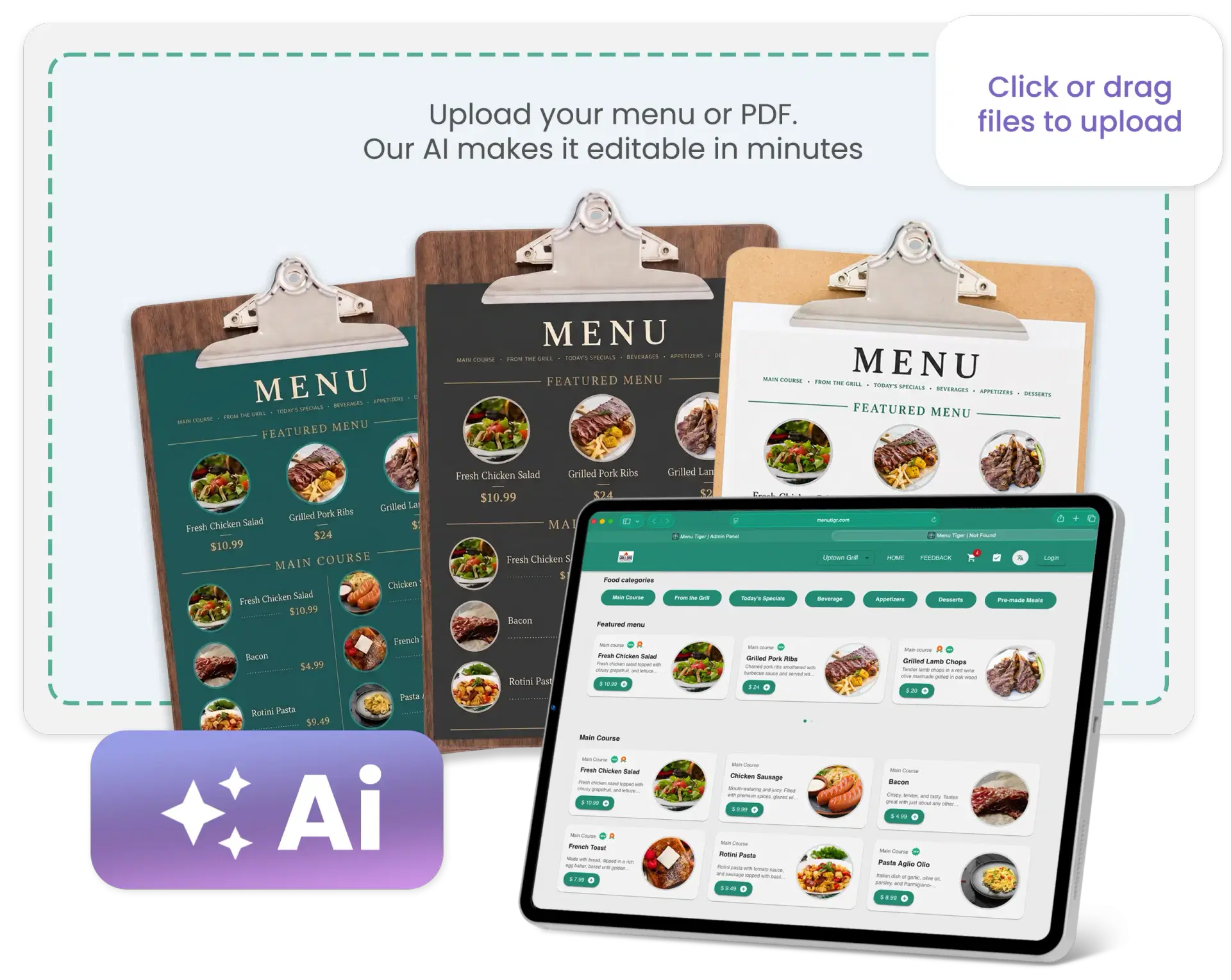
Trusted by Modern Restaurants & Cafés Worldwide
0M+
USERS
0K+
RESTAURANTS
0M+
ORDERS
Go From Paper to Digital
in Under 5 Minutes
Upload your printed menu and let AI identify everything for you: categories, items, prices, descriptions, and structure. Your digital menu is ready in minutes.
Scan Any Printed Menu
Skip the Retyping And Just Scan
Upload it in whatever format you already have, and the best AI menu generator builds a structured digital version for you.
- PDF Menus
- Printed Menu Photos
- JPEG Files
- PNG Files
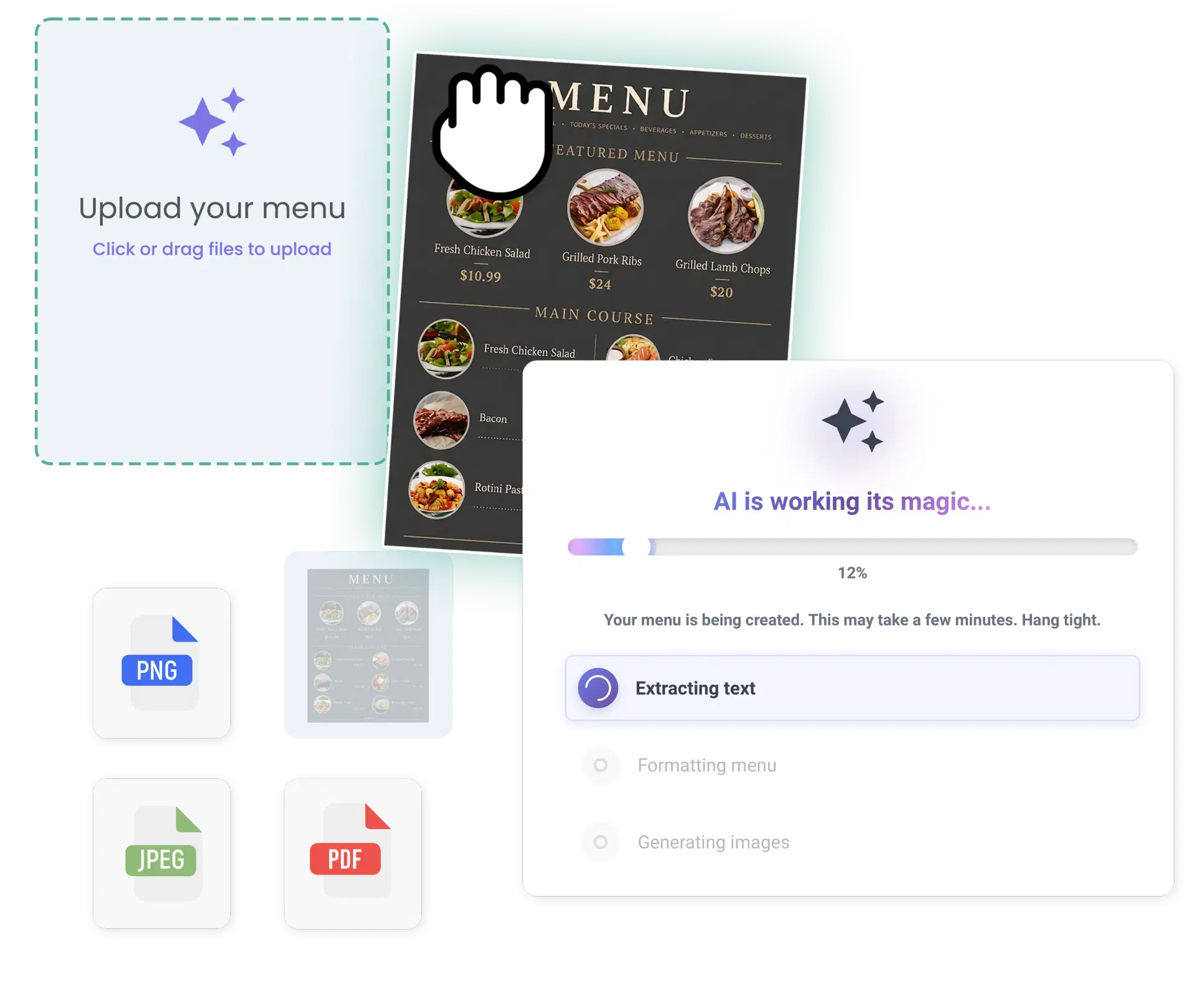
Instant AI Menu
Generation
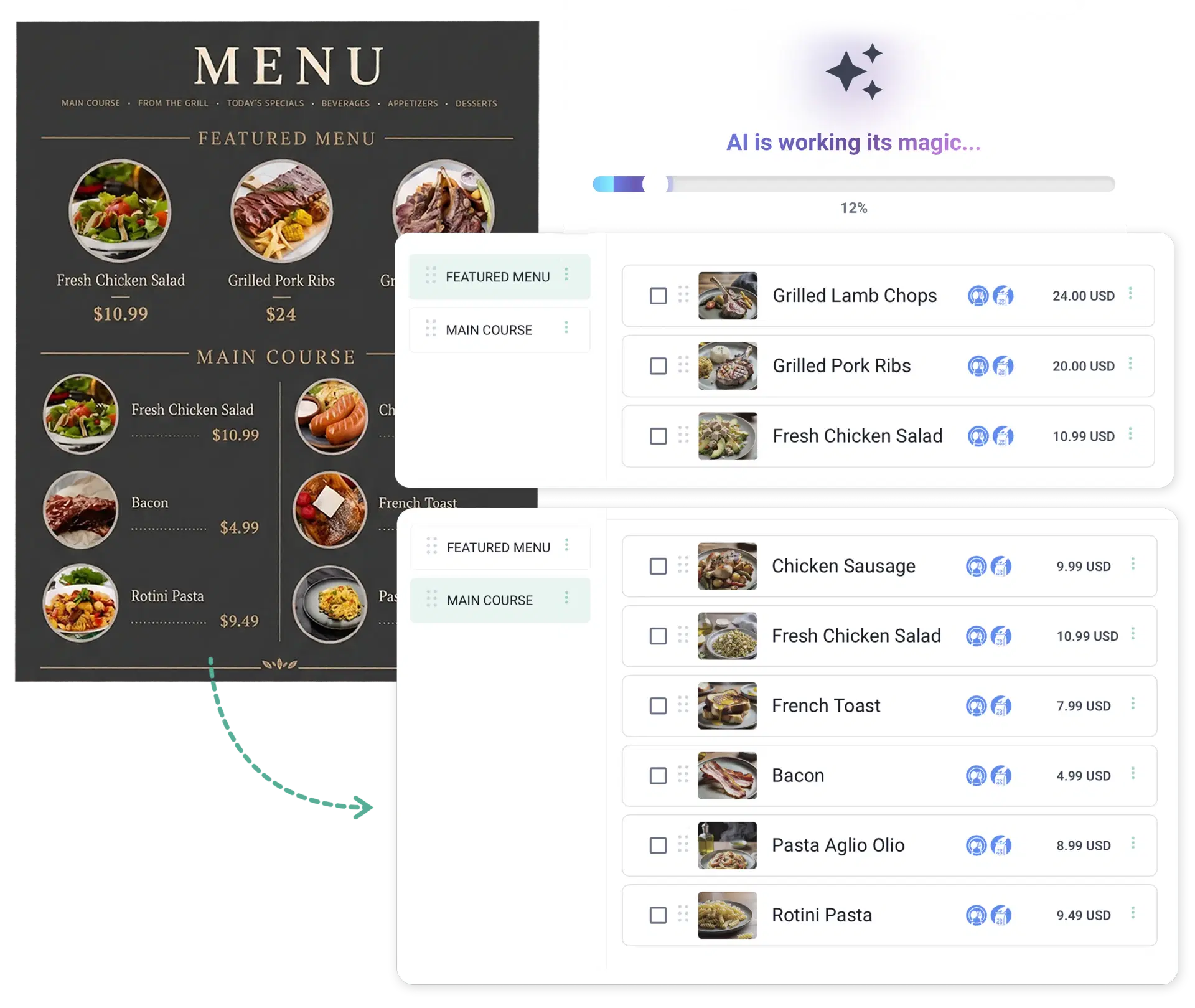
AI That Actually Understands a Menu
No copy-pasting, no manual data entry. Our menu AI recognizes structure, not just text.
- Food categories
- Dish names
- Prices
- Menu hierarchy
Fully Editable
Digital Menu
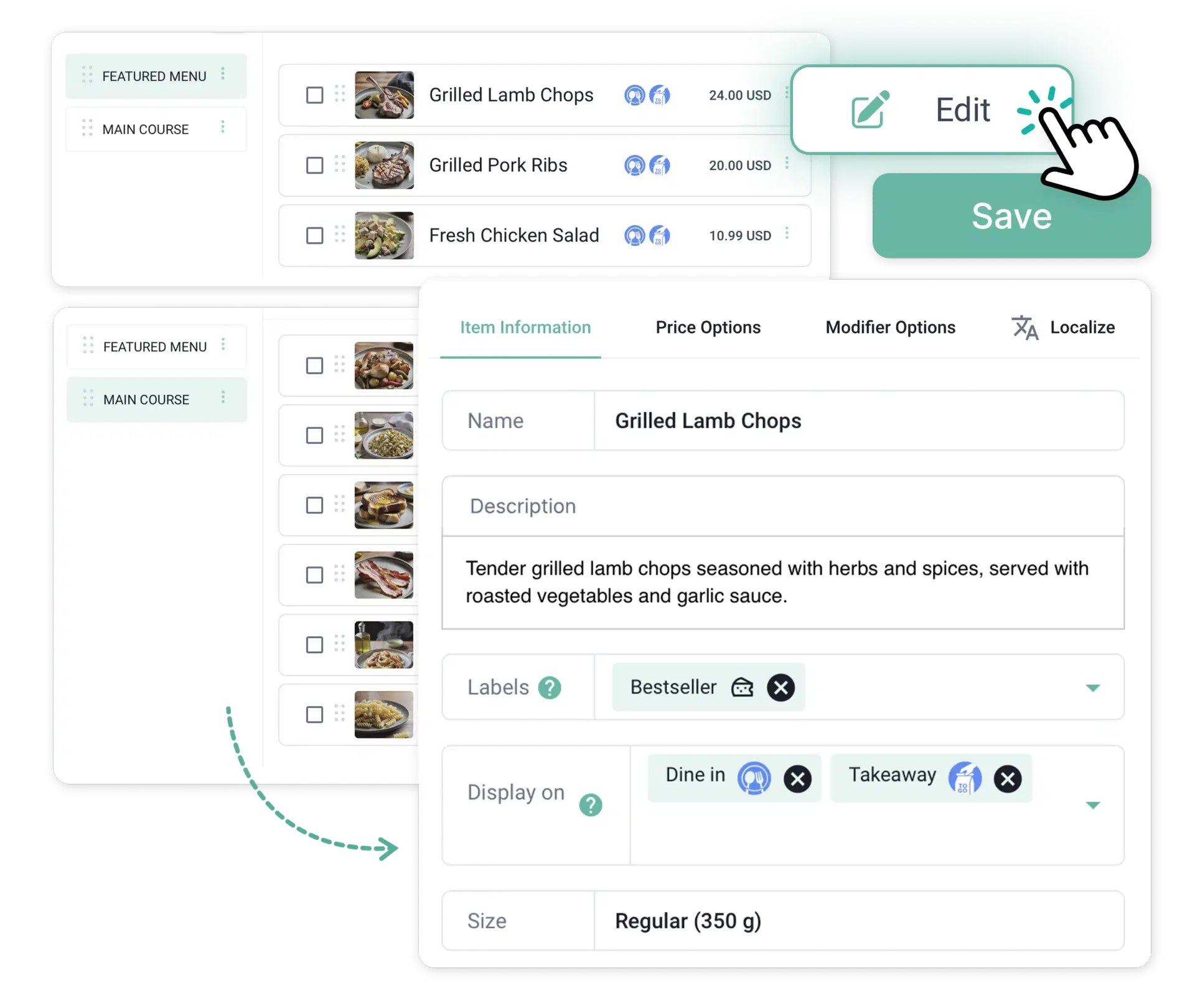
Full Control Once It's Digitized
AI gets you most of the way there — the rest is yours to fine-tune. After AI creates your menu, you can:
- Edit menu items
- Update prices
- Add descriptions
- Upload food images
- Create modifiers
- Organize categories
Built for Complete
Menu Management
More Than a Scanner —
A Full Digital Ecosystem
One upload does more than digitize a PDF. Once digitized, your menu integrates directly with:
- Restaurant Order Management System
- Kitchen Display System (KDS)
- QR Code Menu
- Online Ordering System
- Restaurant Reports & Analytics
How It Works
From blank dashboard to a live floor plan in six simple steps.
Step 1
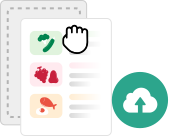
Upload your printed menu
Add your restaurant details and locations.
Step 2

AI scans your menu
The AI automatically detects categories, dish names, and prices.
Step 3
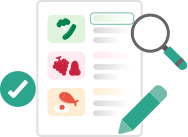
Review the generated menu
Check titles, categories, item descriptions, and prices. Make edits if needed.
Step 4
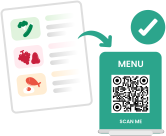
Publish your digital menu
Your menu is instantly ready for QR ordering, online ordering, digital menus, and future automation.
Everything You Can Edit
Unlike basic OCR software, Menu Tiger lets you customize every part of your digital menu. Your menu stays flexible as your business evolves.

Categories

Food Items

Prices

Modifier Groups

Portion Sizes

Combo Meals

Descriptions

Images

Availability
Why Restaurants Love
Our AI Menu Maker
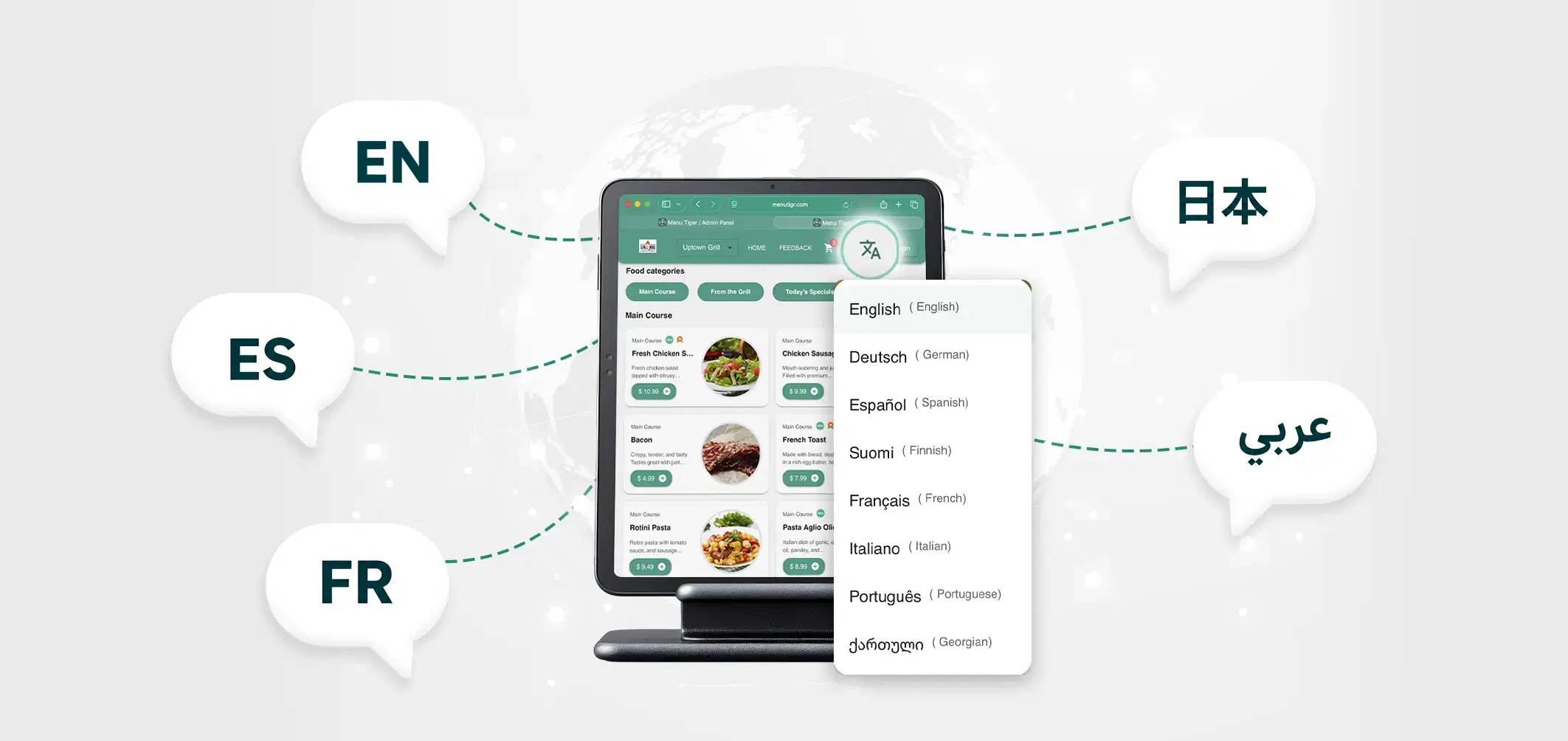
Serve guests in more than one language from the same menu.
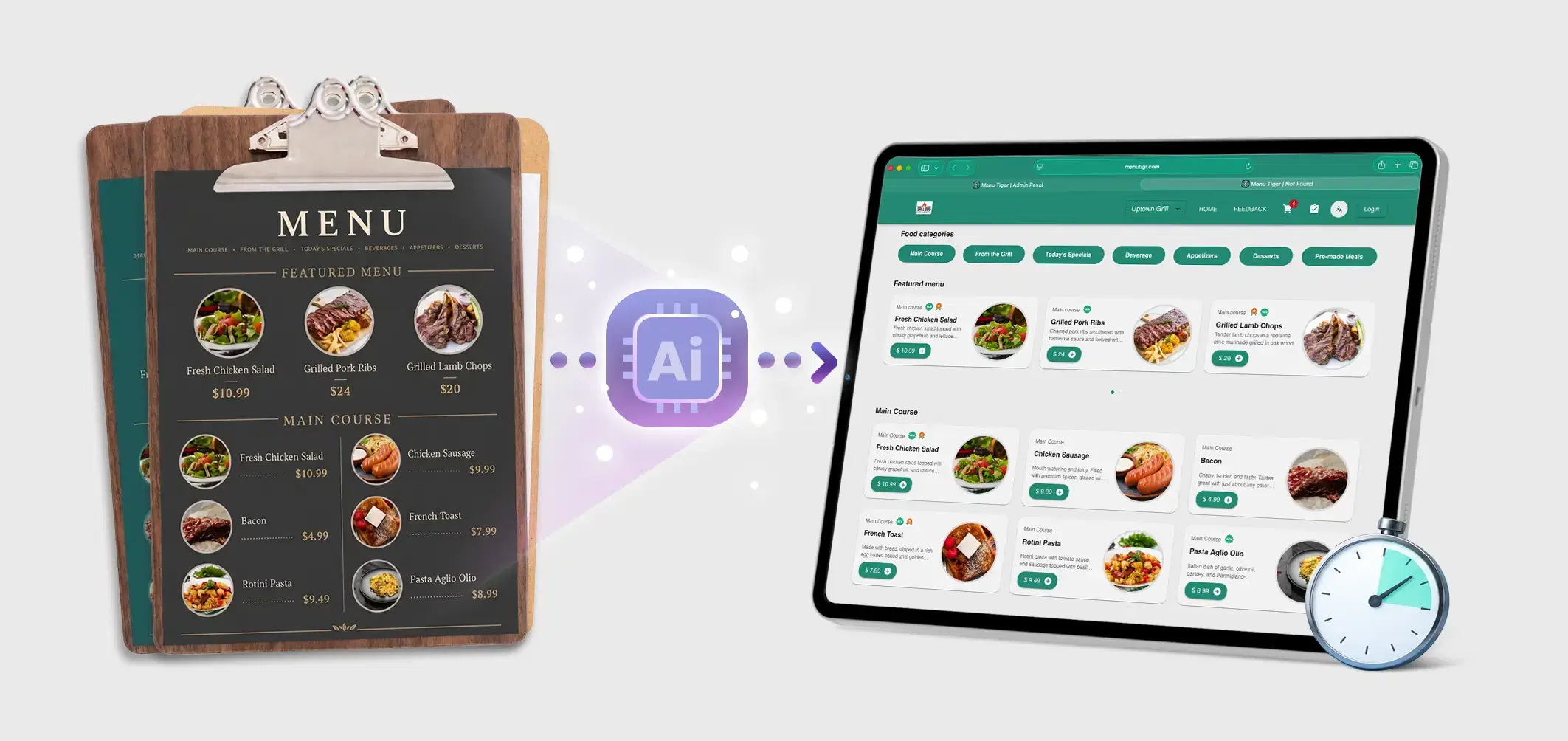
Stop entering every dish individually. AI performs the heavy lifting.
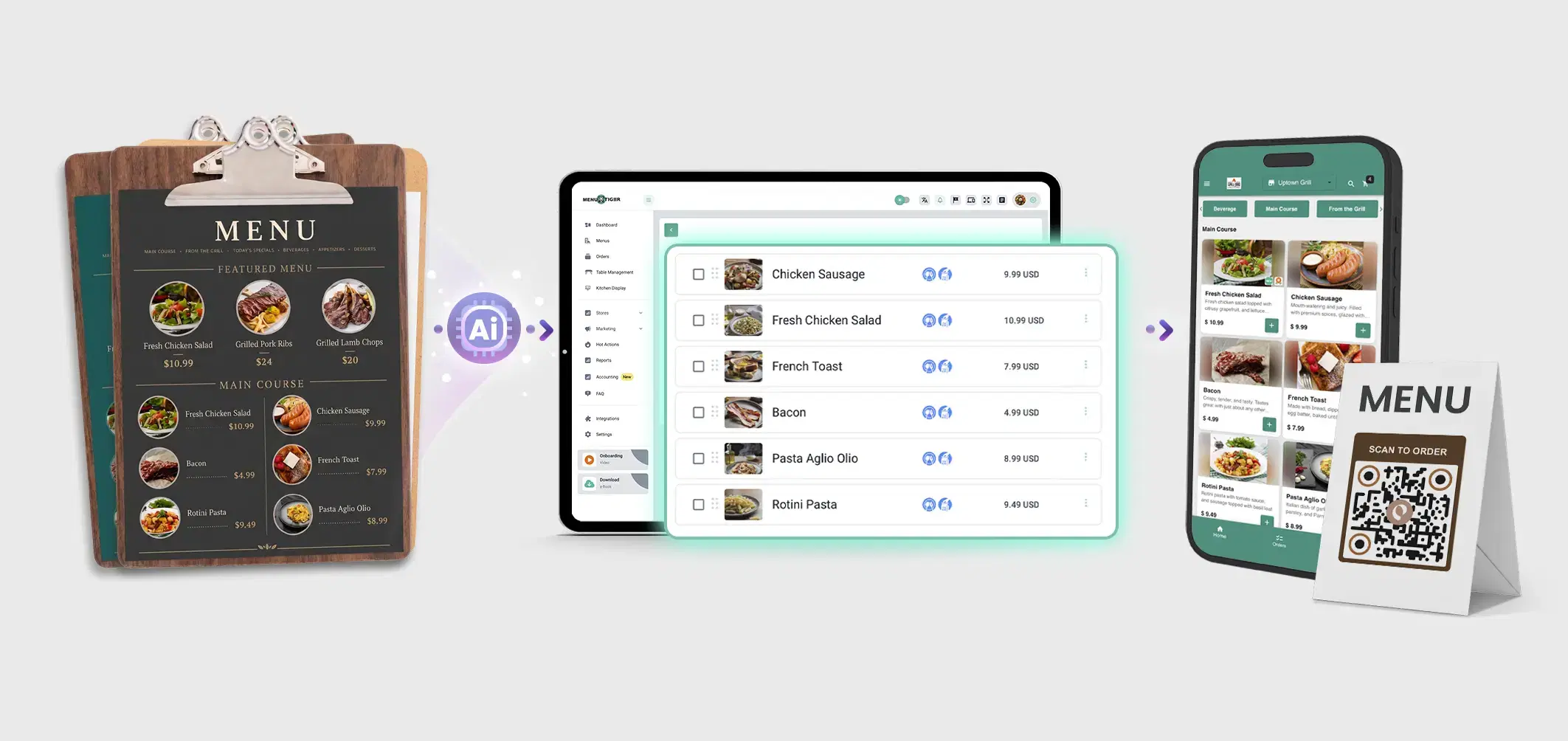
Turn a printed menu into a live digital menu in minutes.
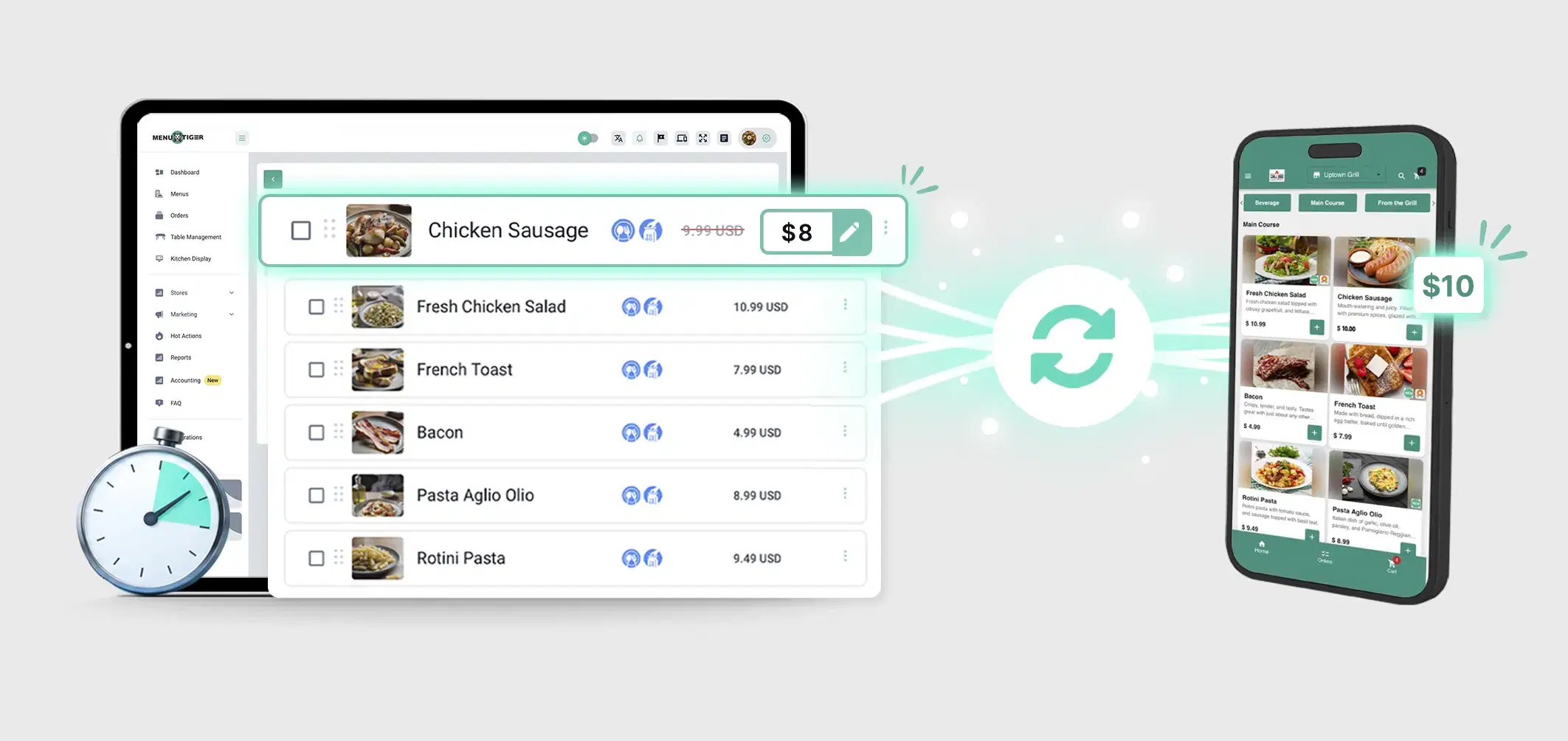
Change items, prices, and photos whenever your menu changes.
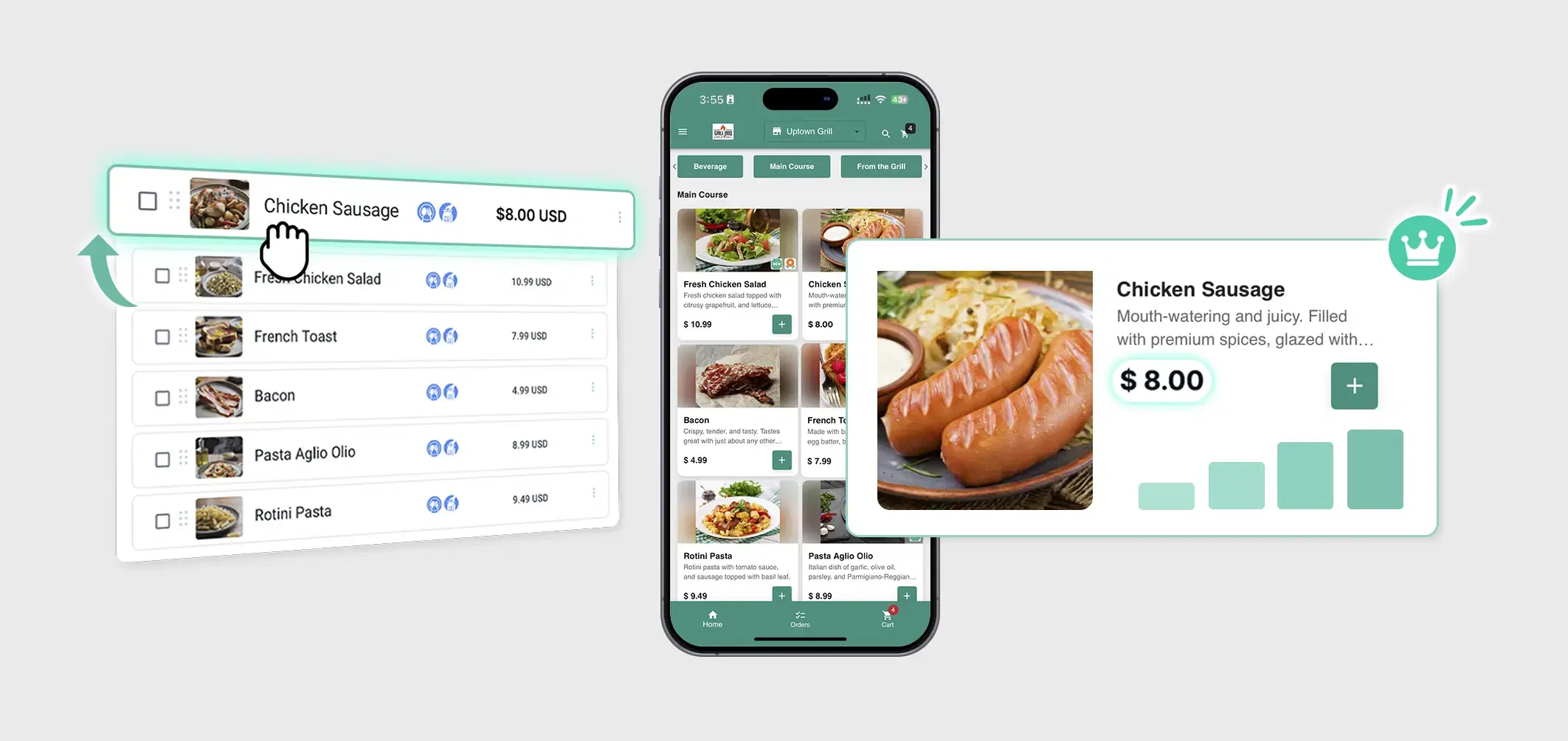
Refine categories, descriptions, and pricing after the first draft.
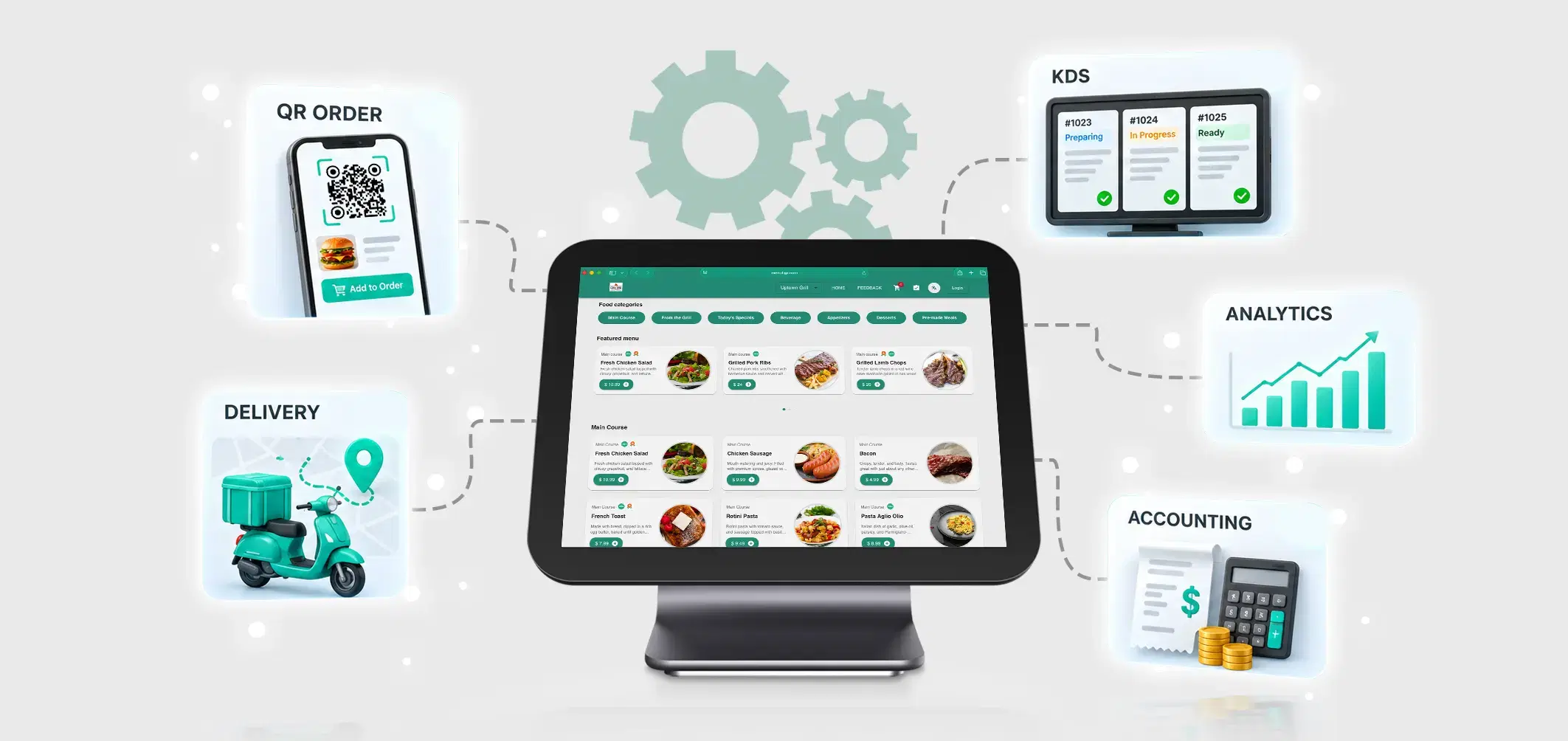
Connect the menu to QR ordering, online orders, and the kitchen display.
Serve guests in more than one language from the same menu.
Stop entering every dish individually. AI performs the heavy lifting.
Built for Every Restaurant
Menu Tiger's AI Menu Maker adapts to the way you operate.

Restaurants

Cafés

Coffee Shops

Hotels & Resorts

Cloud Kitchens

Fine Dining

Fast Casual

Food Courts

Franchise Restaurants
Why MENU TIGER Beats Other
AI Menu Makers
Feature
AI Menu Recognition
Digital Menu Creation
Menu Editing
QR Code Menu
Online Ordering
KDS Integration
Analytics
Multi-language Support
Restaurant Order Management System

Basic OCR Tools
Limited
Not included
Limited
Not included
Not included
Not included
Not included
Not included
Limited
Ready to Create Your First AI-Powered Digital Menu?
Stop manually typing menu items. Upload your printed menu and let AI do the work. Launch a professional digital menu in minutes.
No credit card required. Your first digital menu takes minutes.
Frequently Asked Questions
What is an AI Menu Maker?

An AI Menu Maker converts printed restaurant menus into fully editable digital menus using artificial intelligence. Simply upload a PDF or image, and Menu Tiger automatically detects categories, menu items, prices, and descriptions.
Can I edit the generated menu?
Yes. You can edit categories, prices, item descriptions, modifier groups, images, and menu layouts.
Does the AI support multiple languages?
Yes. The AI Menu Maker supports multilingual menu creation, making it ideal for restaurants serving international customers.
Is the AI Menu Maker app free?
Yes. The AI Menu Maker is available for both Free and Premium Menu Tiger users.
What file formats are supported?
Menu Tiger supports PDF, JPEG, and PNG.
Can I upload multiple menu pages?
Absolutely. Once your menu is digitized, it connects with Menu Tiger's Online Ordering System, QR Code Menu, Restaurant Order Management System, and Kitchen Display System.
Affiliates


© 2026 Menu Tiger. All rights reserved